

Custom Embroidery
Select your products, pick your colors and quantities, upload your logo, and choose embroidery options.
Select your Products (10% discount over 20 units)
Select any number of products below. Choose your embroidery option (Flat vs 3D Puff) and pick your color quantities. Orders over 20 units receive a flat 10% discount on product prices and the Digitizing / Setup Fee is waived.

Richardson 112+ R-Flex Adjustable Trucker 112PL
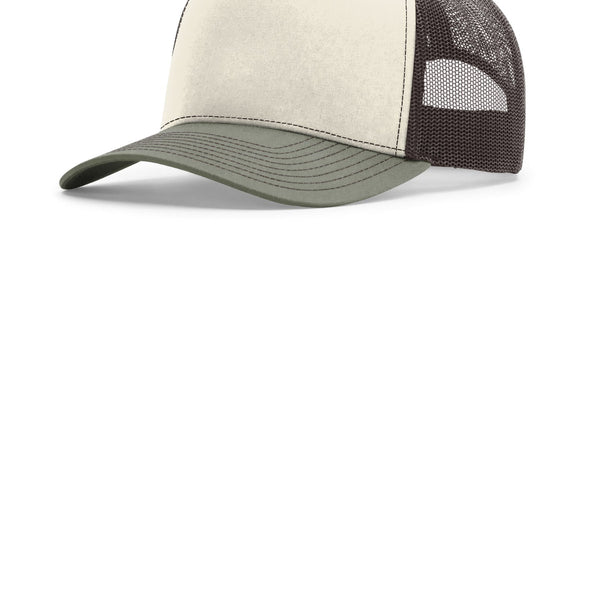
Richardson Five-Panel Champ Trucker 112FPC
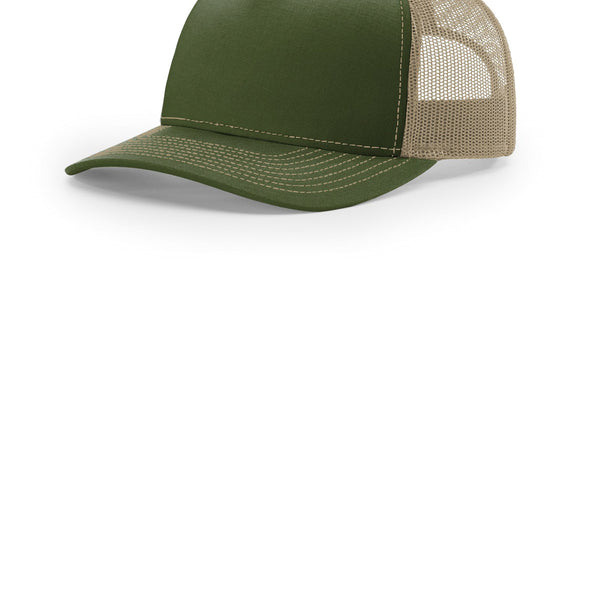
Richardson Five-Panel Trucker 112FP
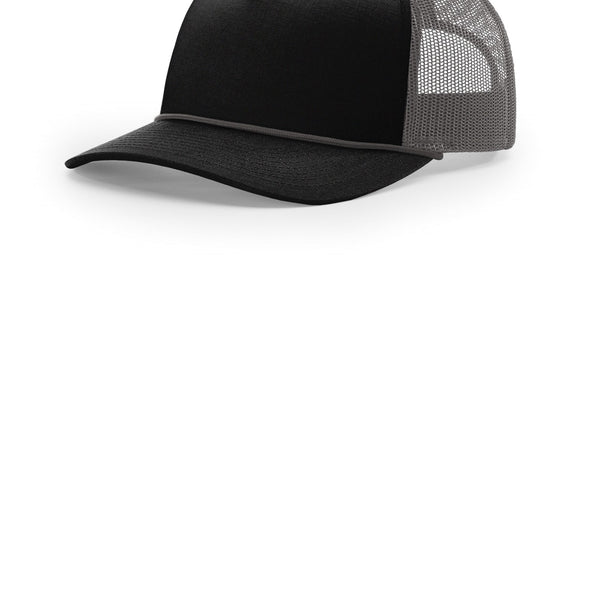
Richardson Five-Panel with Rope 112FPR
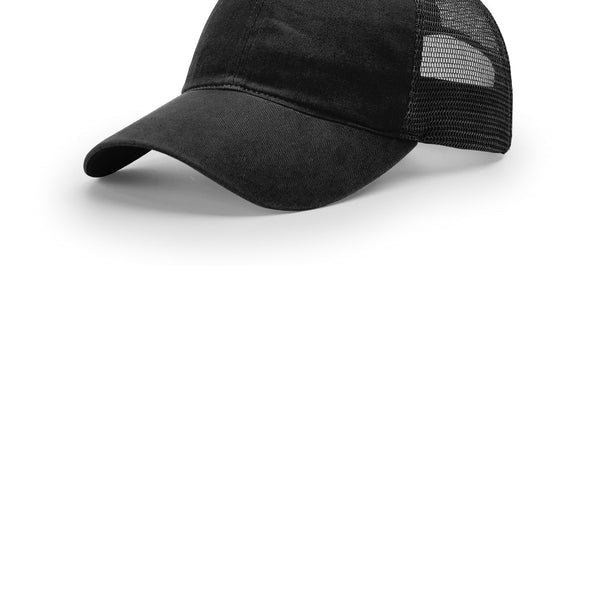
Richardson Garment Washed Trucker 111
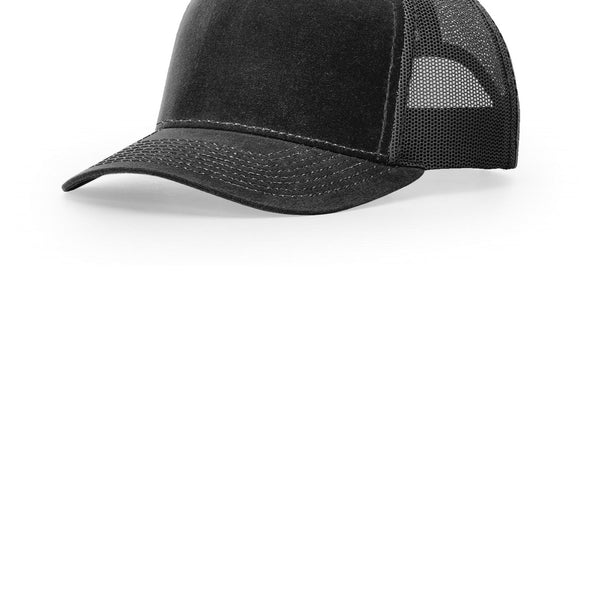
Richardson Hawthorne 112WH
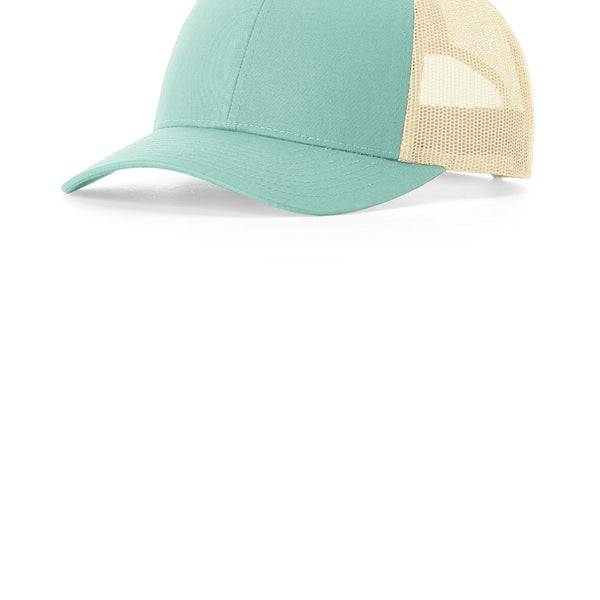
Richardson Low Pro Trucker 115
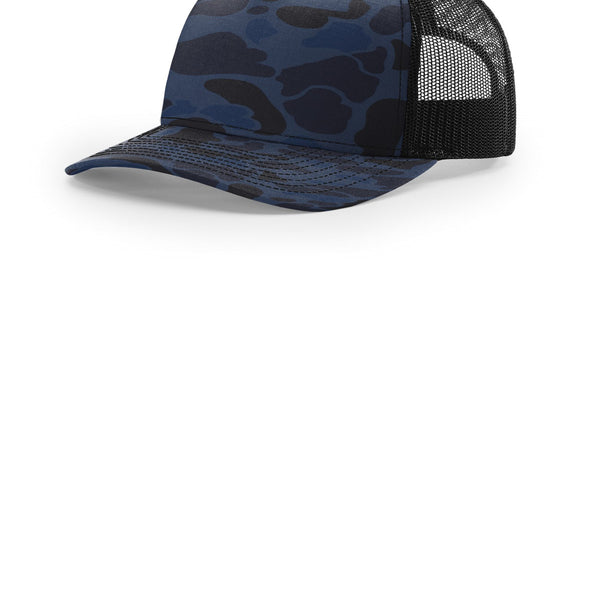
Richardson Printed Five-Panel Trucker 112PFP
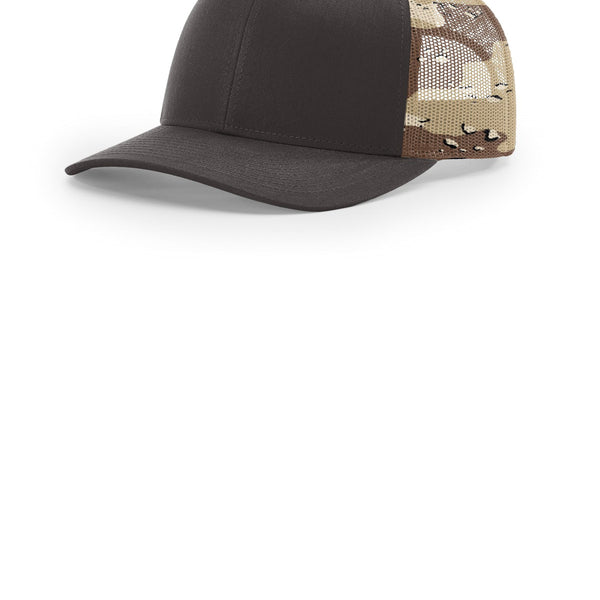
Richardson Printed Mesh Trucker 112PM
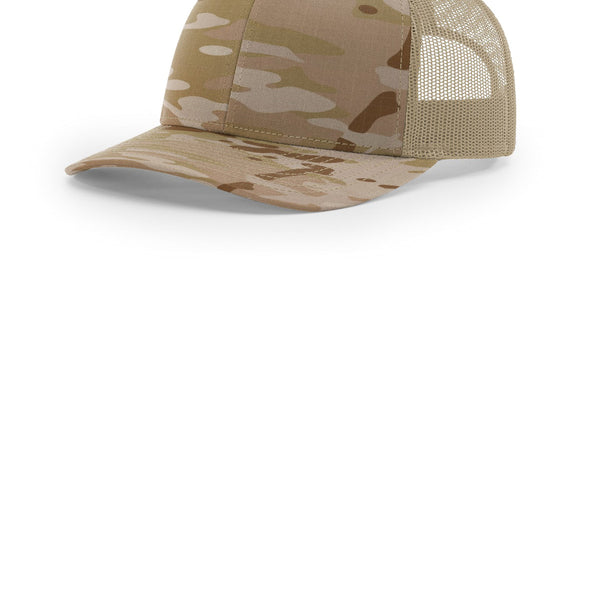
Richardson Printed Tactical Trucker 112PT
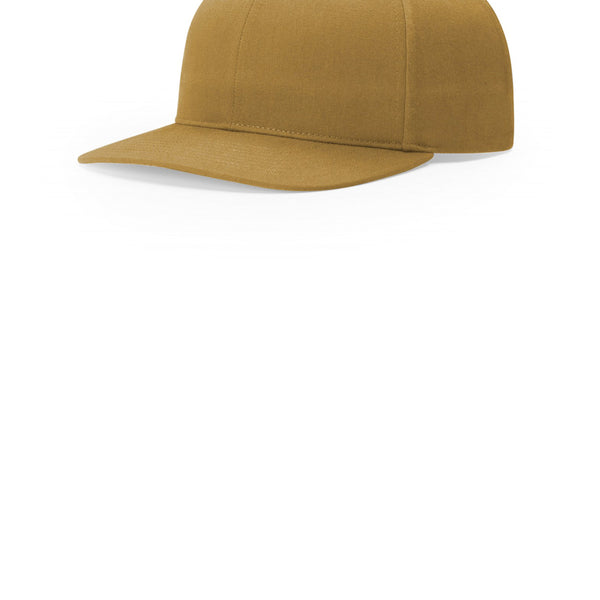
Richardson Solid Twill Trucker 312
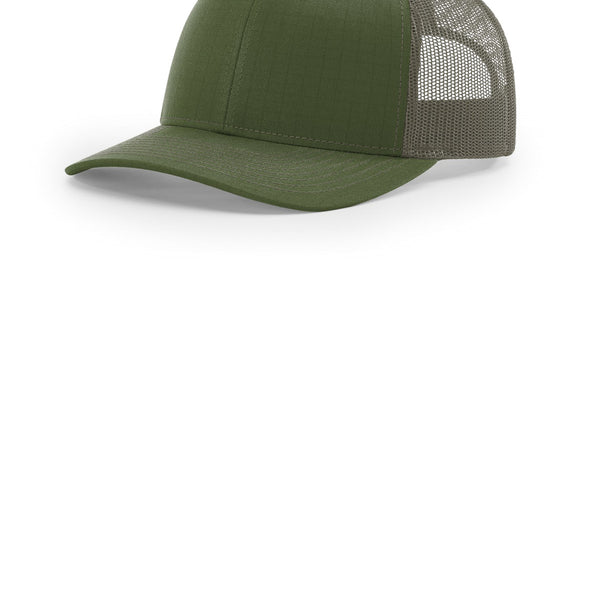
Richardson Tactical Trucker 112T
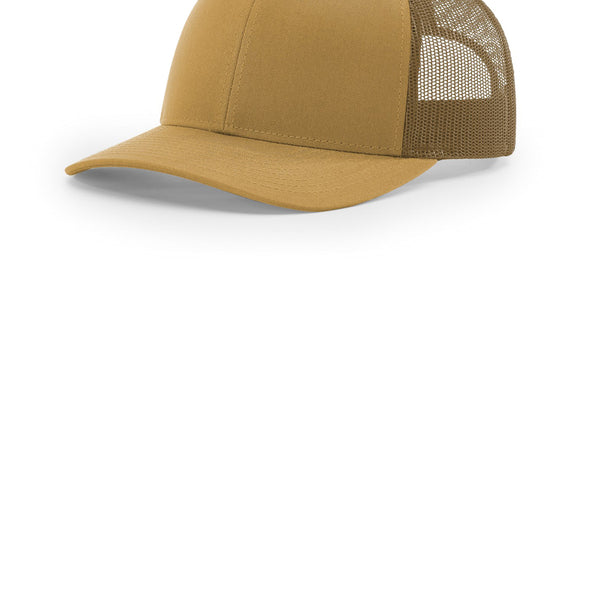
Richardson Trucker Cap 112
Upload Your Artwork
Provide your custom embroidery logo, or select one of our quick bypass options.
Choose Placement & Logo Colors
Select the physical placement for your embroidery on the caps, and select the exact thread colors for your design.
1. Select Embroidery Style
Choose between classic flat embroidery or raised 3D puff embroidery:
2. Select Logo Placement
Click a placement card below. Your uploaded logo is live previewed right on the cap mockup.
3. Additional Embroidery Locations (Optional)
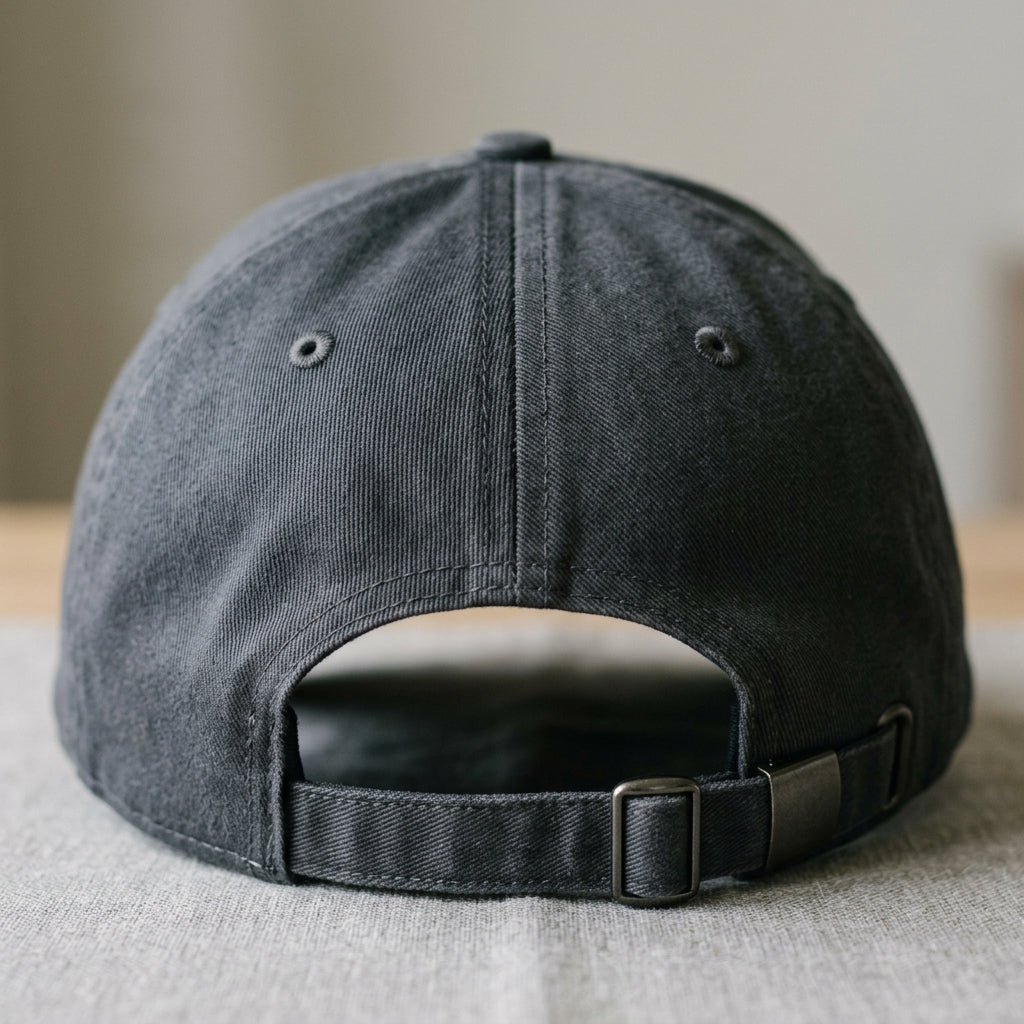
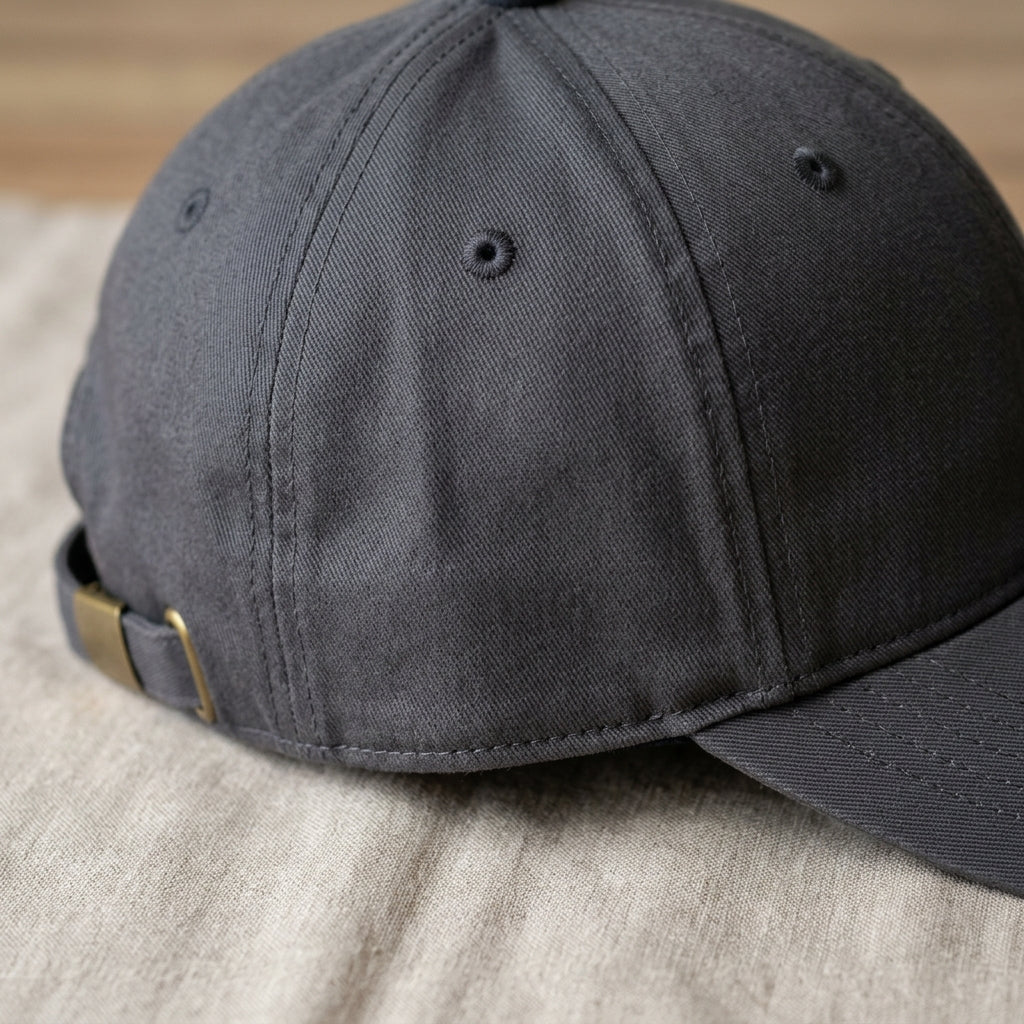
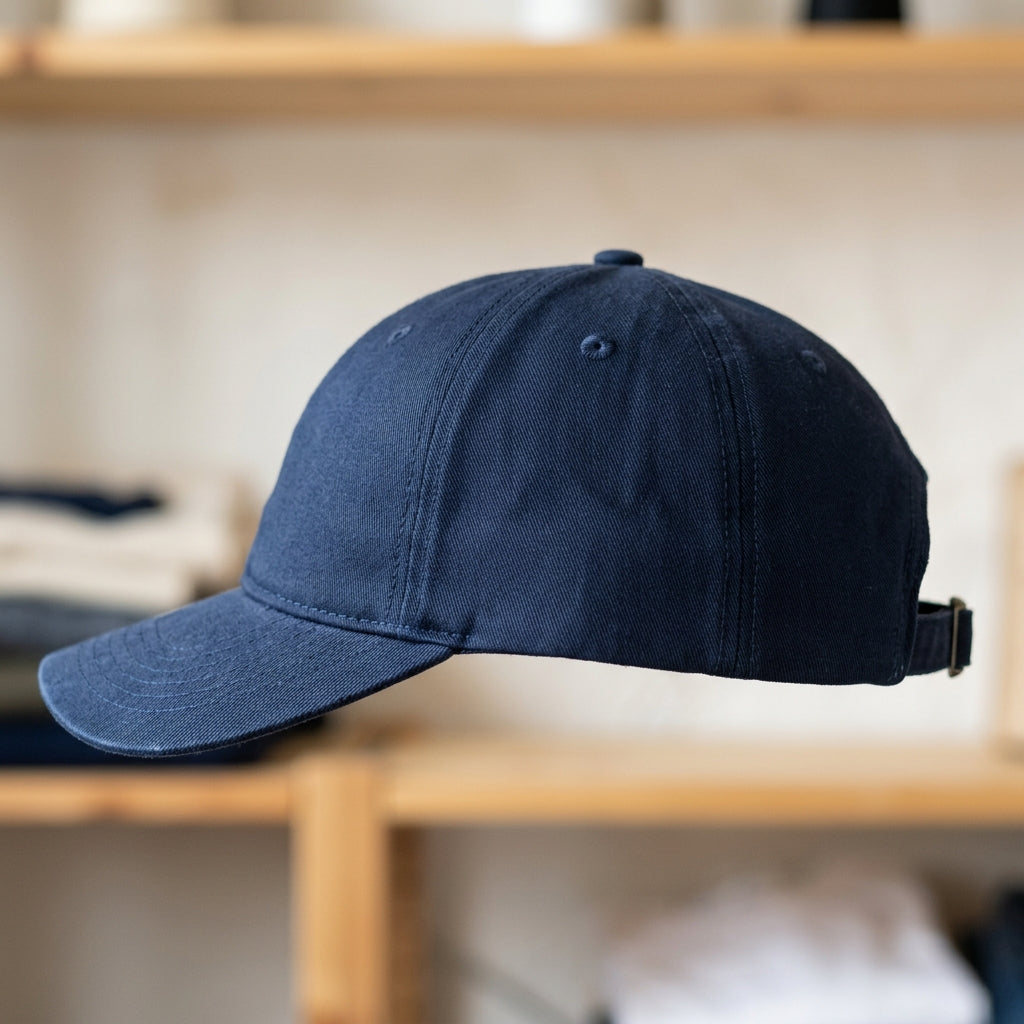
You can add back, left side and right side stitching to your items. These locations can be additional small logos or text. Each separate location is an additional charge.
Check this box if you plan to ship or drop off your own garments to be embroidered.
4. Select Thread Colors
These are the thread colors we use. Select up to 15 colors inside your design:
Review Order & Checkout
Verify your selected products, custom embroidery specifications, and one-time digitizing setup fee. Once ready, add everything directly to your cart.
Selected Items (0 items)
No items selected yet. Choose products and quantities in Step 1 above.